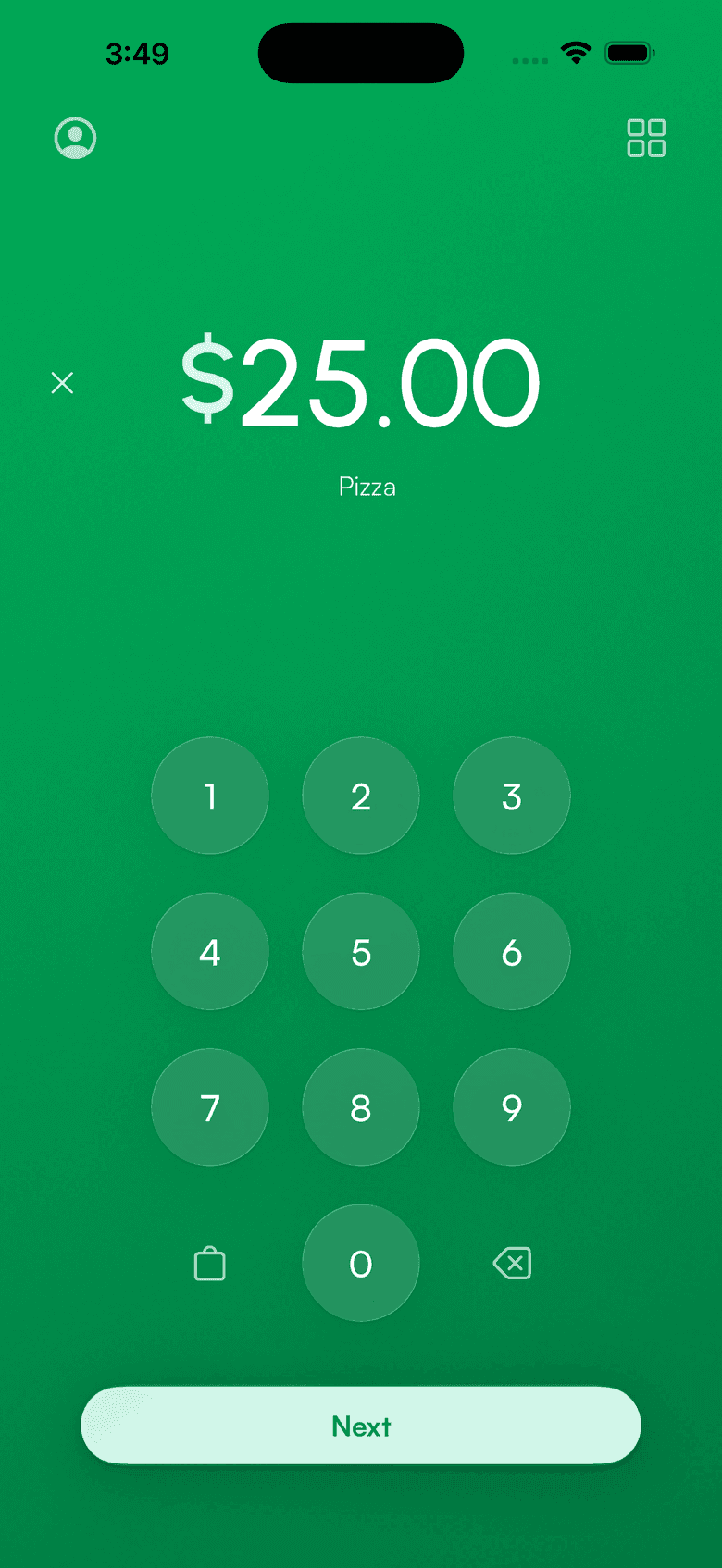
Virtual terminal
The virtual terminal for Stripe
Key in card payments from your phone for phone orders, mail orders, and walk-ups without a reader. No website, no code: type the card, charge it, done.
How to manually enter a card with Stripe
Three steps from amount to paid.
Open a charge
Enter the amount in the app, or pick a product from your catalog. Add a customer to attach the sale to their record.
Key in the card
Type the card number, expiry, and ZIP. Built for phone orders and mail orders where the card isn't present.
Charge and send the receipt
The payment settles to your Stripe account like any other sale. Email a receipt automatically.
No hardware. No setup.
Everything a countertop virtual terminal does, on the phone already in your pocket.
- Works on iPhone and Android
- No card reader or monthly fees
- Customer and product catalog built in
- Refunds straight from the app
- Receipts by email on every charge
Virtual terminal questions
Does Stripe have a virtual terminal?
How do I manually enter a card with Stripe?
What does manual card entry cost?
Is keyed card entry safe?
From the blog: The Stripe virtual terminal: manually entering credit cards
Accept payments
in 60 seconds
Download the app, connect your Stripe account, and you're ready to accept your first payment. No hardware, no setup fees, no monthly costs.