Built-in printer. Built for the counter.
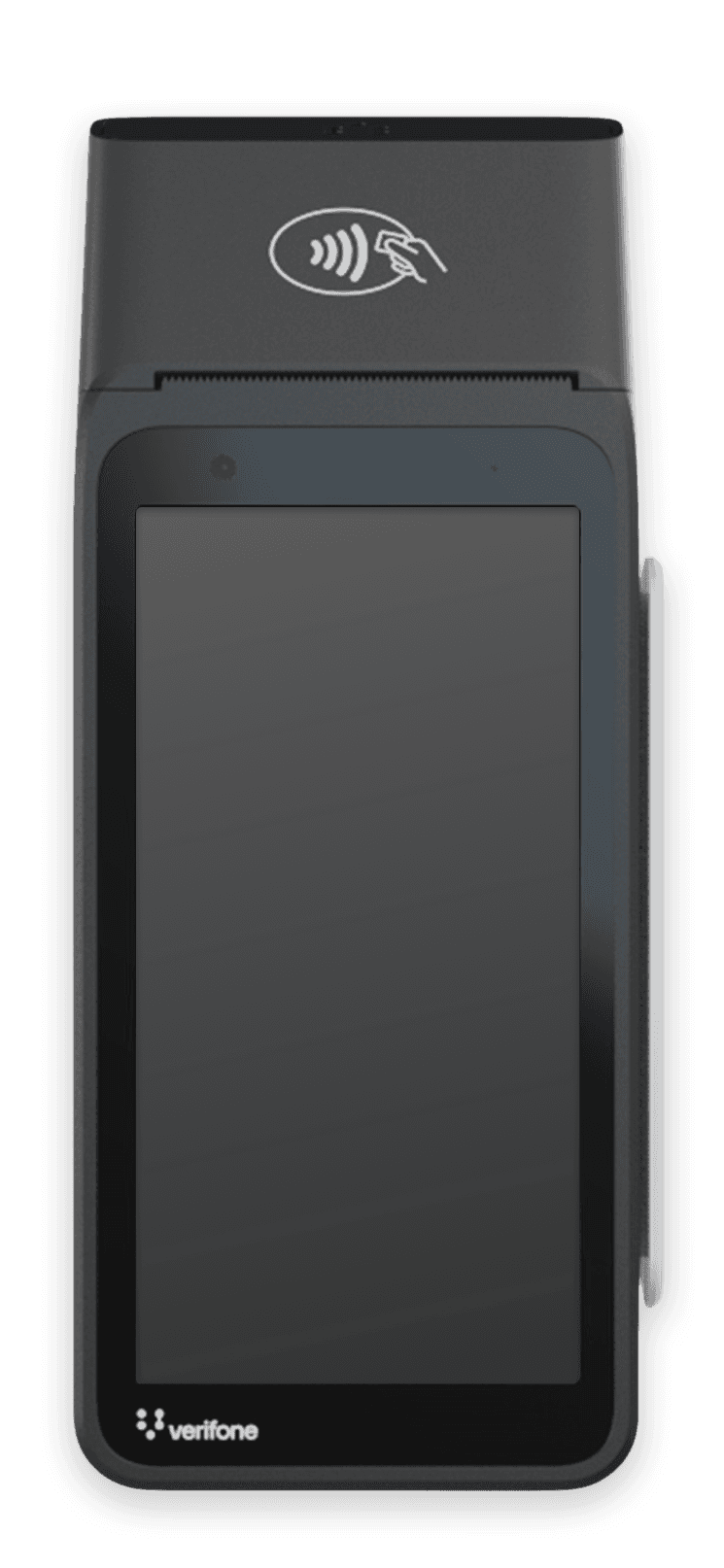
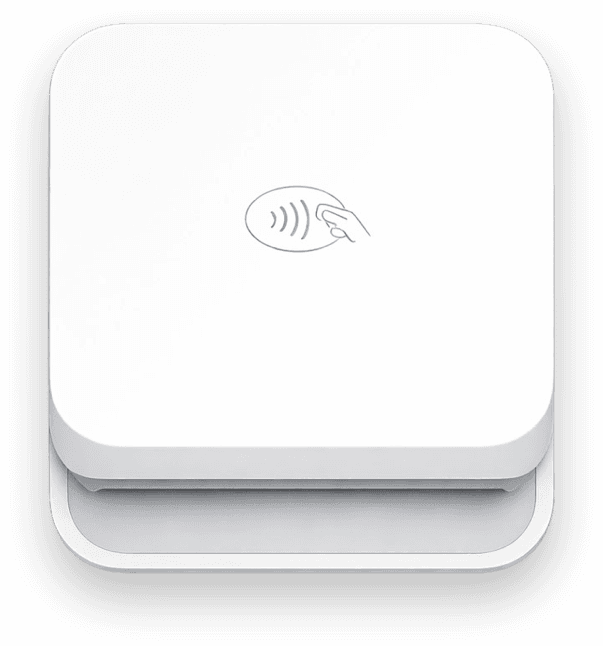
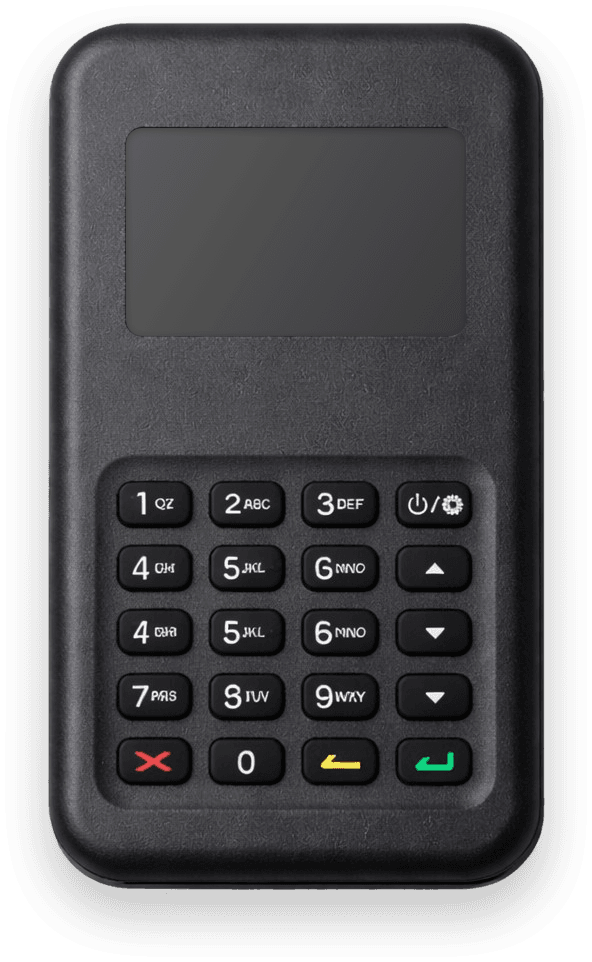
The Verifone V660p is Stripe's countertop card reader with a built-in receipt printer. Run it as a Stripe standalone terminal, no POS app needed.
Why Verifone V660p
Built for your workflow
Built-in receipt printer
Print receipts on the spot, no separate printer required. The V660p handles chip, tap, and swipe payments plus paper receipts in one device.
Standalone out of the box
Runs Payment for Stripe directly on the device as a Stripe standalone terminal. No phone, tablet, or POS app required.
WiFi + Ethernet
Connects via WiFi standard. Add the Full Feature Base for Ethernet connectivity, ideal for permanent countertop installations.
Compare
Find the right reader for you
Not sure which reader fits your needs? Here's a quick comparison.
The only Stripe app with full Terminal support
Unlike other Stripe mobile apps, Payment for Stripe fully integrates with Stripe Terminal hardware. Accept chip, contactless, and mobile wallet payments at Stripe's in-person rate.
Technical specifications
Available in the United States. Order it from your Stripe Dashboard.
See full list on StripeAvailability may change
How it works
Get started in minutes
No complicated setup. Connect your reader and start accepting payments.
Order your V660p
Buy the reader from your Stripe Dashboard. The V660p ships ready for standalone mode.
Connect Stripe through our wizard
We OAuth into your Stripe account and create a Terminal Location for your reader.
Set up standalone modeWe enable standalone mode
Our wizard creates the Configuration object on your Stripe account and applies it to your Location. No Dashboard navigation.
Register your reader
Enter the pairing code from your V660p. Reader is registered to our platform and ready to accept payments in under 2 minutes.
Set up standalone mode on your V660p
Connect Stripe, enable standalone mode, and register your reader — all in one wizard. Under 2 minutes.
Set up standalone modeCommon questions
Do I need a phone or tablet to use the V660p?
Does the built-in printer work in standalone mode?
Can I use my existing Stripe account?
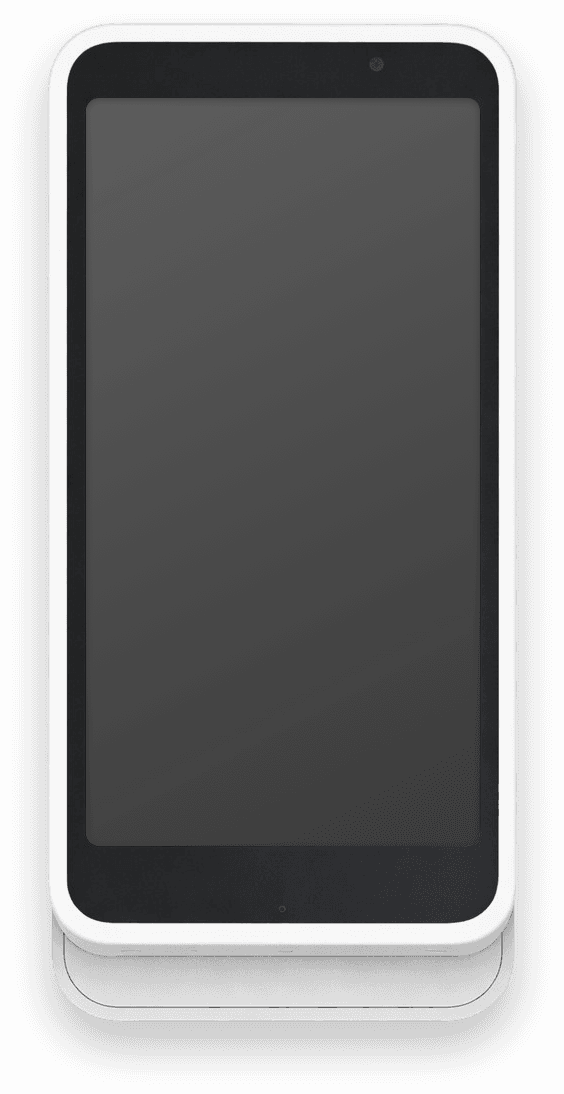
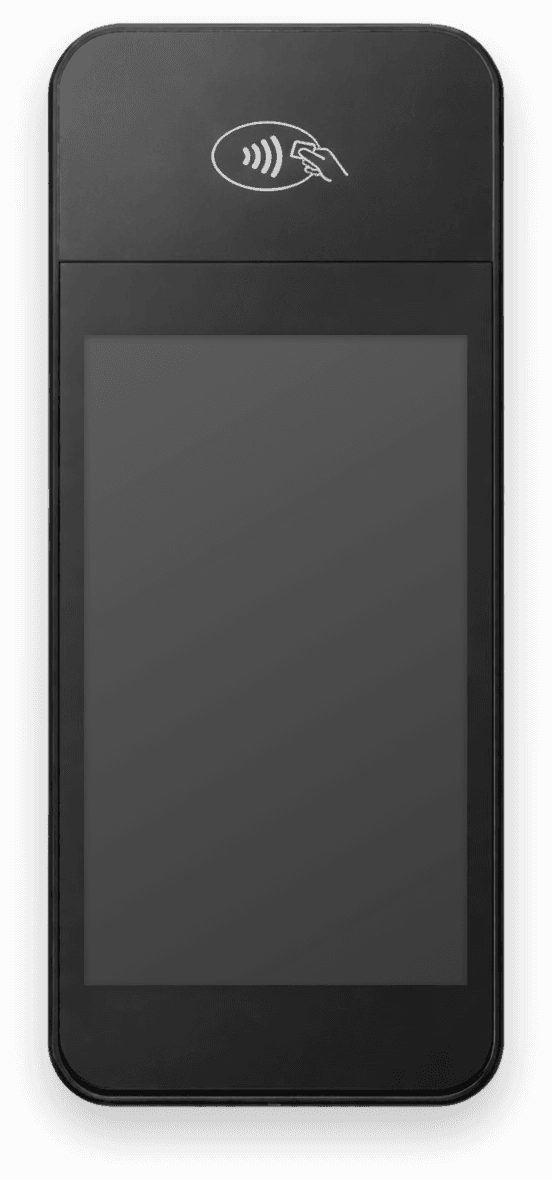
How does the V660p compare to the S700?
Accept payments
in 60 seconds
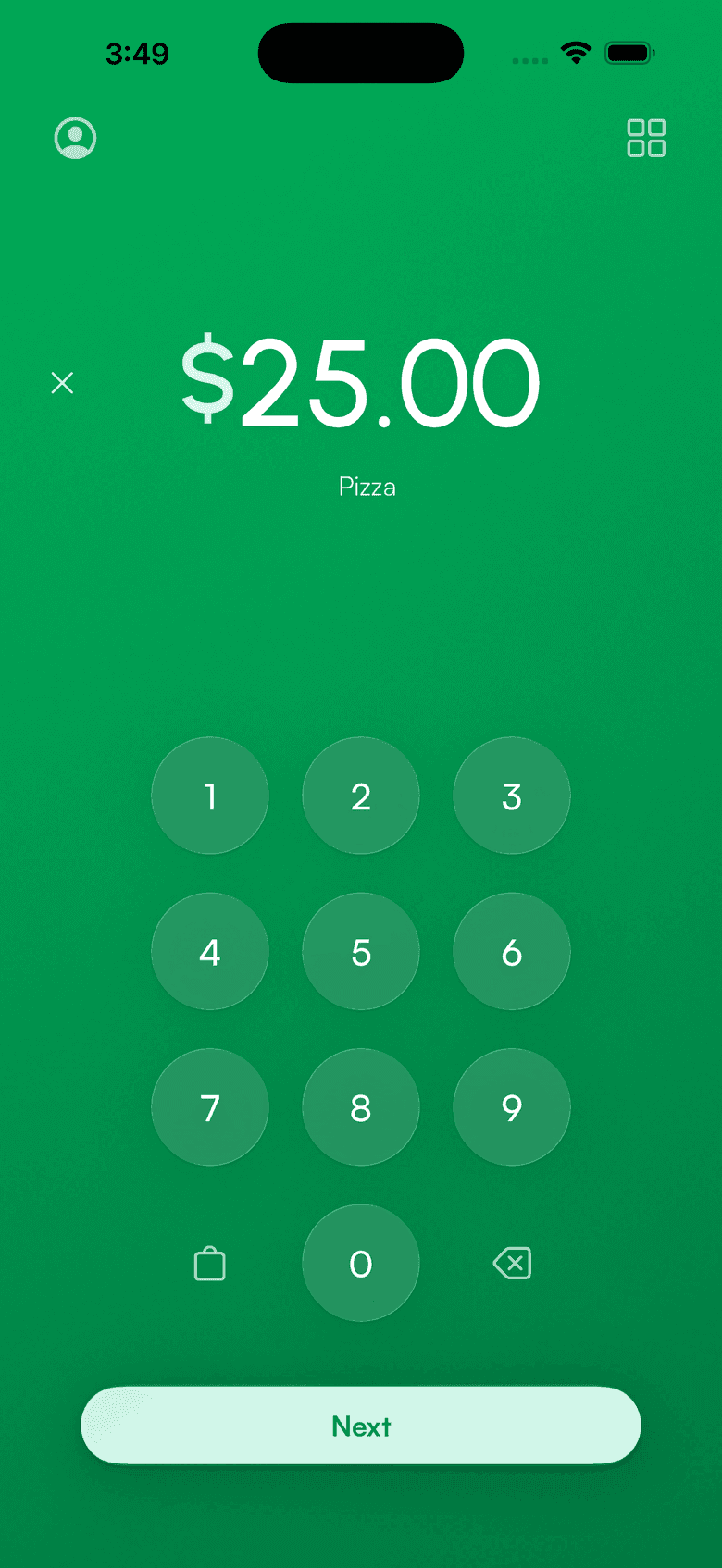
Download the app, connect your Stripe account, and you're ready to accept your first payment. No hardware, no setup fees, no monthly costs.