Stripe Terminal
The Stripe Terminal app for iPhone and Android
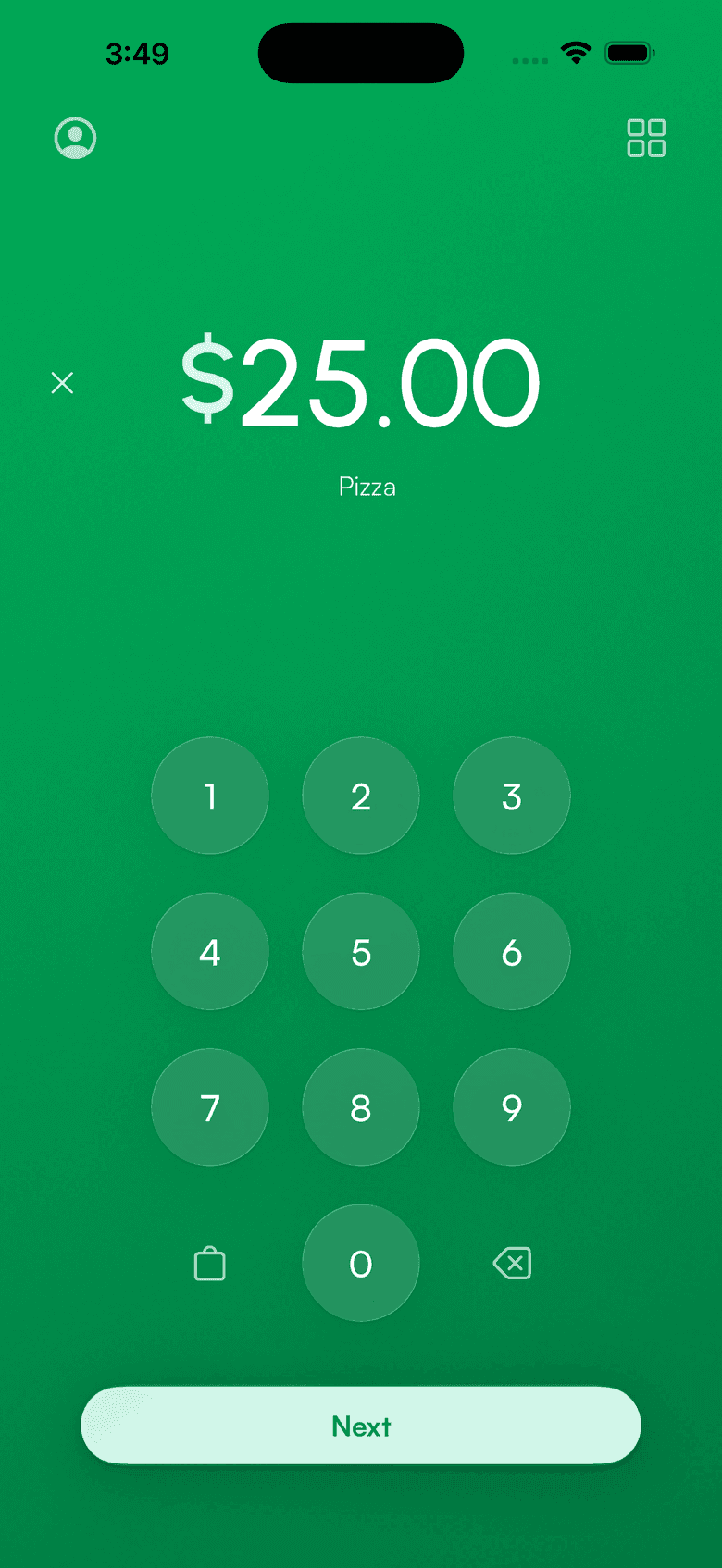
Connect your Stripe account and run Stripe Terminal from your phone. Pair a card reader for chip and swipe, or take contactless payments with Tap to Pay and no hardware at all.
Three ways to run Stripe Terminal
Stripe ships a dashboard app and a developer SDK. Third-party apps sit in between. Pick the row that matches you.
How to set up a Stripe terminal
About 60 seconds. No code, no Stripe Dashboard config.
Download the app
Install Payment for Stripe on your iPhone, Android phone, or tablet. Free, and it runs on hardware you already own.
Connect your Stripe account
Sign in through Stripe's OAuth flow. Payouts, fees, refunds, and disputes all stay in your own Stripe account.
Pair a reader, or just tap
Bluetooth-pair a Stripe Reader M2 or WisePad 3, put a WisePOS E on WiFi, or skip hardware and use Tap to Pay.
Every Stripe Terminal reader, or no reader at all
Order hardware from your Stripe Dashboard at Stripe's price. We don't mark it up. Or skip hardware and use Tap to Pay.
No monthly fee. No code.
Everything Stripe Terminal does, without building it yourself.
- Works with every Stripe Terminal card reader
- Tap to Pay on iPhone and Android, no hardware
- Product catalog, tips, and tax rates built in
- Staff accounts with charge-only access
- Refunds and emailed receipts from the app
- 135+ currencies across 170+ countries
Stripe Terminal questions
Can I use my phone as a Stripe terminal?
Is the Stripe terminal free?
How to set up a Stripe terminal?
Does Stripe have POS software?
Which readers work with the app?
Is this app made by Stripe?
From the blog: How to run Stripe Terminal without writing code
Accept payments
in 60 seconds
Download the app, connect your Stripe account, and you're ready to accept your first payment. No hardware, no setup fees, no monthly costs.