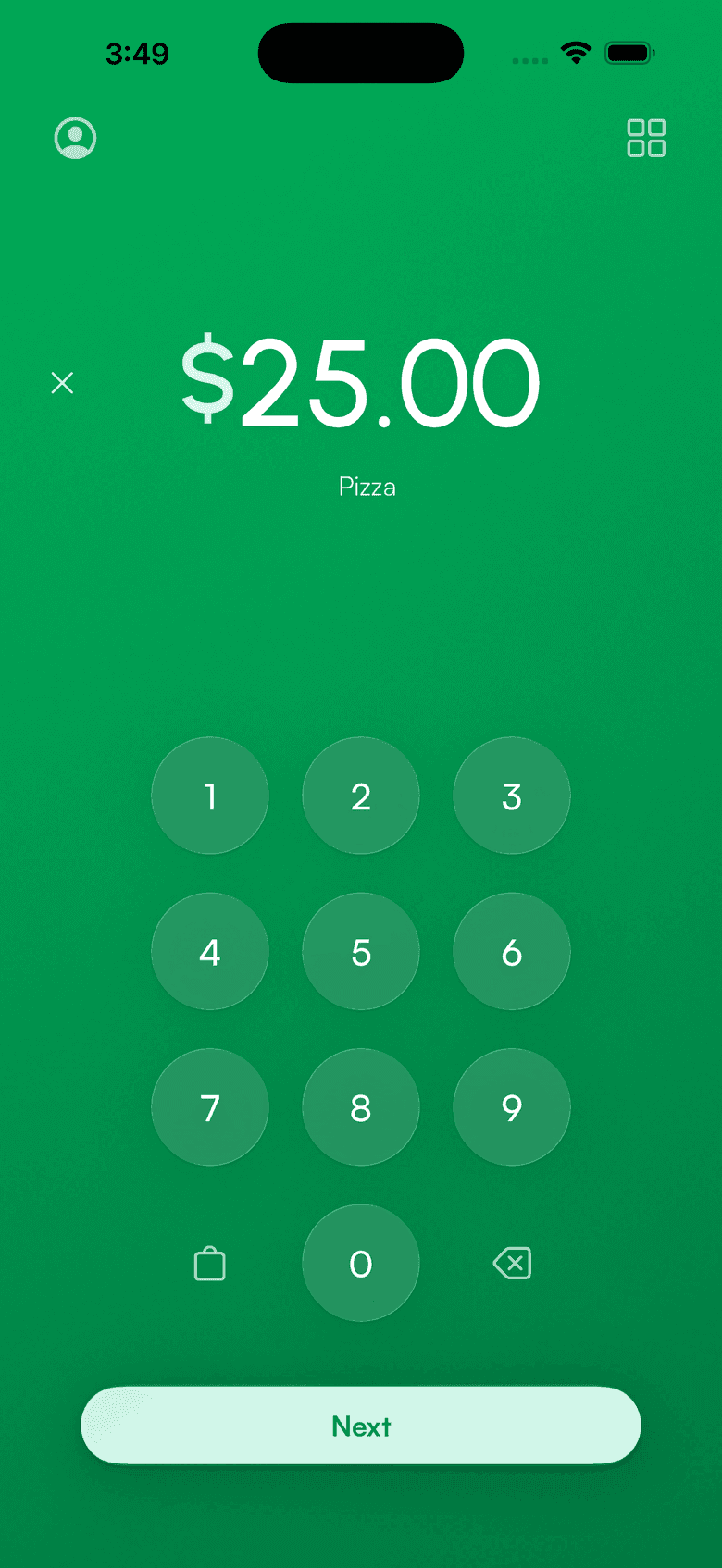
Stripe standalone mode
Accept payments without a POS
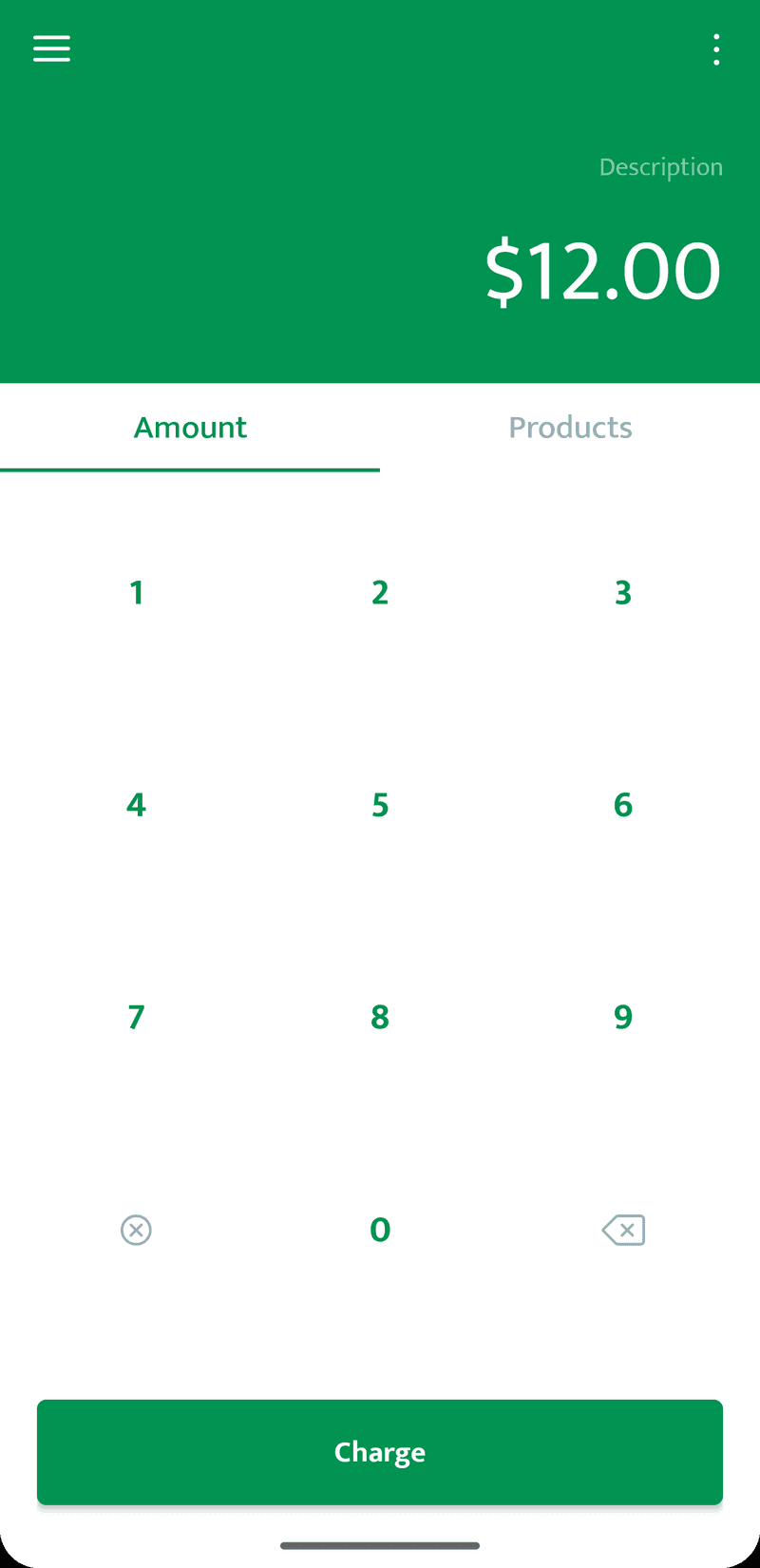
Standalone mode turns your Stripe terminal into a self-contained payments tool. Enter an amount, take the card. Works on the Stripe Reader S700/S710 and Verifone V660p. No app, no SDK, no point-of-sale software.
Supported readers
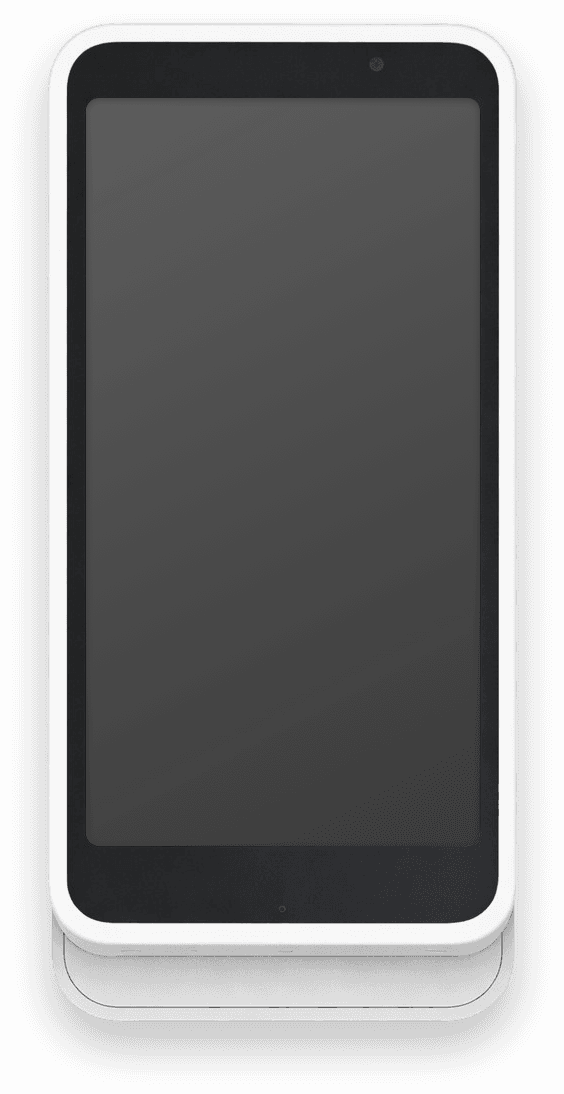
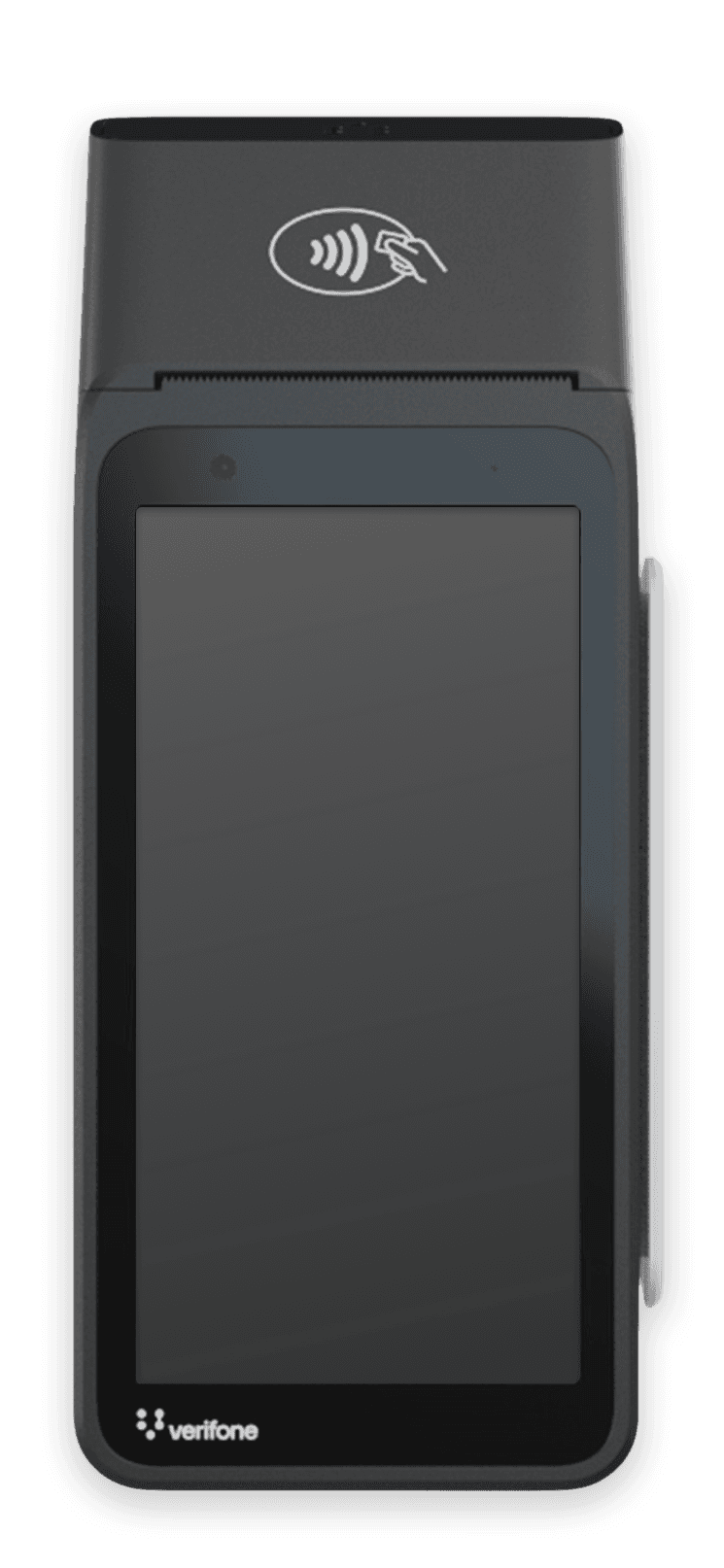
Built into these Stripe readers
Standalone mode runs on Stripe's smart readers. The S700/S710 and the Verifone V660p work out of the box as a Stripe standalone reader or Stripe standalone terminal.
What's supported
Standalone mode capabilities
Not every Stripe Terminal feature is available in standalone mode. Here's what works and what doesn't.
Why use our setup?
The easiest way to get started
1-click setup
We connect Stripe, create the Location, and enable standalone mode in one flow. Beats six clicks in the Stripe Dashboard.
Auto reader registration
We register the reader to your Stripe account and attach it to your new location automatically. No Dashboard menus, no manual configuration.
Ready in <2 minutes
From OAuth to first payment, the typical flow takes under two minutes.
More than standalone?
When you outgrow standalone mode
Standalone mode covers the basics. When your business needs more (subscriptions, customer profiles, invoices), the Stripe Terminal app has you covered.
Standalone mode
- Accept card payments
- On-reader tipping
- Print receipts (V660p)
PV App
- Recurring subscriptions
- Customer profiles + saved cards
- Custom branded receipts
- Products & invoices
- Offline mode
Payment for Stripe app
The full PV app gives you everything standalone mode does — plus customers, subscriptions, invoices, offline payments, and a full product catalog. Free to download, no monthly fees.
- Recurring subscriptions
- Customer profiles + saved cards
- Custom branded receipts
- Products & invoices
- Offline mode
FAQ
Common questions answered
From the blog: Standalone mode for Stripe Terminal readers
Accept payments
in 60 seconds
Download the app, connect your Stripe account, and you're ready to accept your first payment. No hardware, no setup fees, no monthly costs.