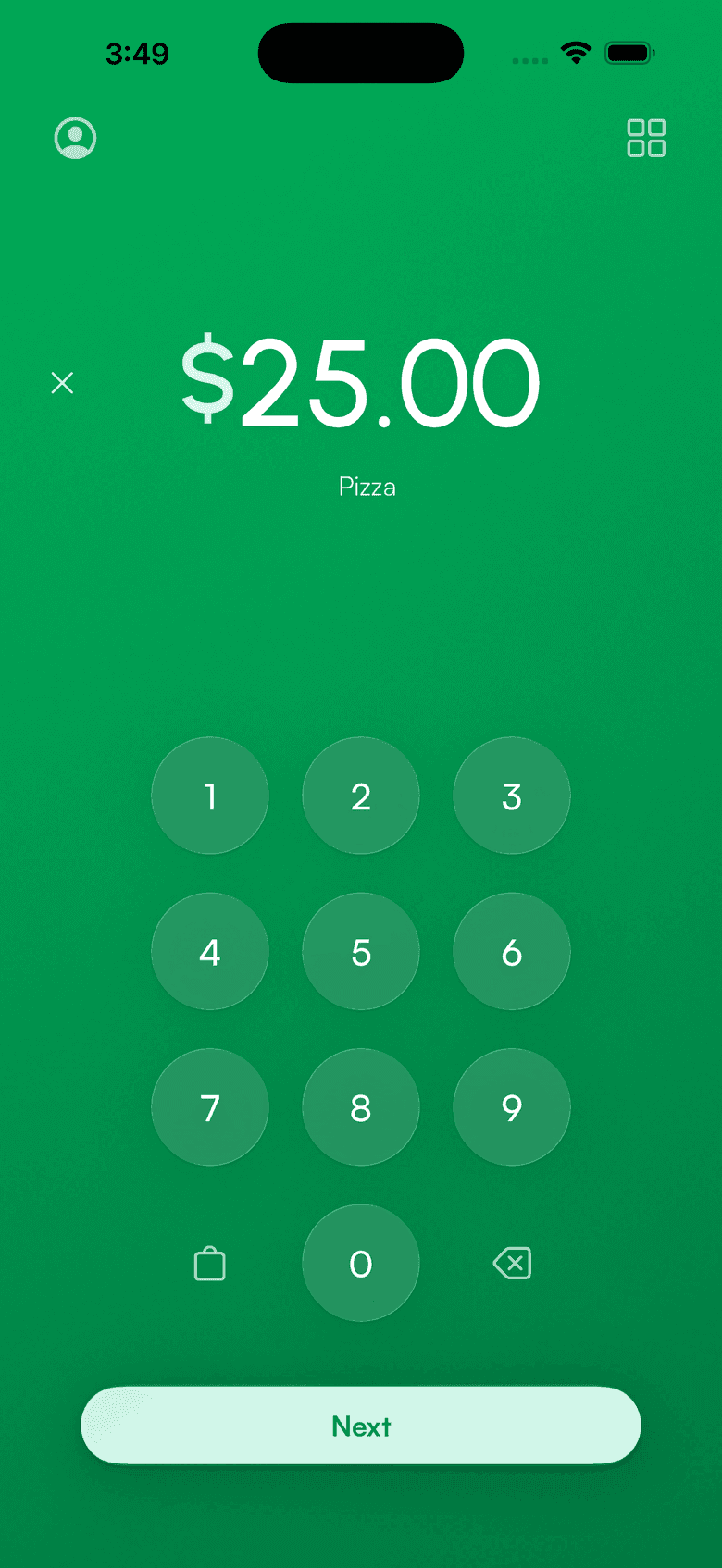
iPhone card reader
Your iPhone is the card reader
You do not need to buy a card reader for your iPhone. Tap to Pay turns the phone in your pocket into a contactless terminal. Connect your existing Stripe account and take the first payment in 60 seconds.
Do you need a card reader for iPhone?
No. Any iPhone XS or later running iOS 18 takes contactless cards, Apple Pay, and Google Pay on its own through Tap to Pay. No dongle, no Bluetooth pairing, nothing to buy. You only need a separate reader for chip-insert or magstripe cards.
How to accept credit card payments on your iPhone
Three steps to take card payments on your phone. No code, no hardware order.
Download Payment for Stripe
Free on the App Store. It runs on the iPhone you already own.
Connect your Stripe account
Sign in through Stripe's OAuth flow. Under 30 seconds. Payouts, refunds, and disputes stay in your own Stripe account.
Turn on the built-in reader
Open the menu (profile icon, top left) and tap Enable Tap to Pay on iPhone. Then take a payment and have the customer tap.
When the phone is enough, and when it is not
Tap to Pay covers most in-person sales. A Stripe Terminal reader covers the rest. Order hardware from your Stripe Dashboard at Stripe's price.
Your iPhone
Tap to Pay. No hardware.
- Contactless cards
- Apple Pay, Google Pay, Samsung Pay
- No hardware cost
- Works anywhere you take your phone
A Stripe reader
From $59, ordered from Stripe.
- Chip insert and magstripe swipe
- Offline payments
- Customer-facing screen and tipping
- Countertop and cellular options
What you need
iPhone XS or later
iPhone XS, XR, 11, 12, 13, 14, 15, 16, 17, and newer.
iOS 18 or later
The Payment app requires iOS 18. Stripe also asks that you stay on a recent iOS release.
A Stripe account
Use the one you already have. No new merchant application.
Available in the US, Canada, UK, Australia, France, Germany, Ireland, Netherlands, and more.
On Android?
Android phones with NFC do the same thing. Tap to Pay on Android takes contactless cards and wallets with no reader attached.
Card reader for AndroidCard reader for iPhone questions
Can I use my iPhone as a card reader?
Is there a free card reader app for iPhone?
Which iPhones work as a card reader?
Do I need a card reader to accept chip cards?
What does it cost to take card payments on iPhone?
Do I need an internet connection?
Do you need a Stripe account to take card payments on your phone?
From the blog: Tap to Pay on iPhone, Which Stripe card reader should you buy?
Accept payments
in 60 seconds
Download the app, connect your Stripe account, and you're ready to accept your first payment. No hardware, no setup fees, no monthly costs.