Squarespace + Stripe
Use a Stripe card reader with your Squarespace store
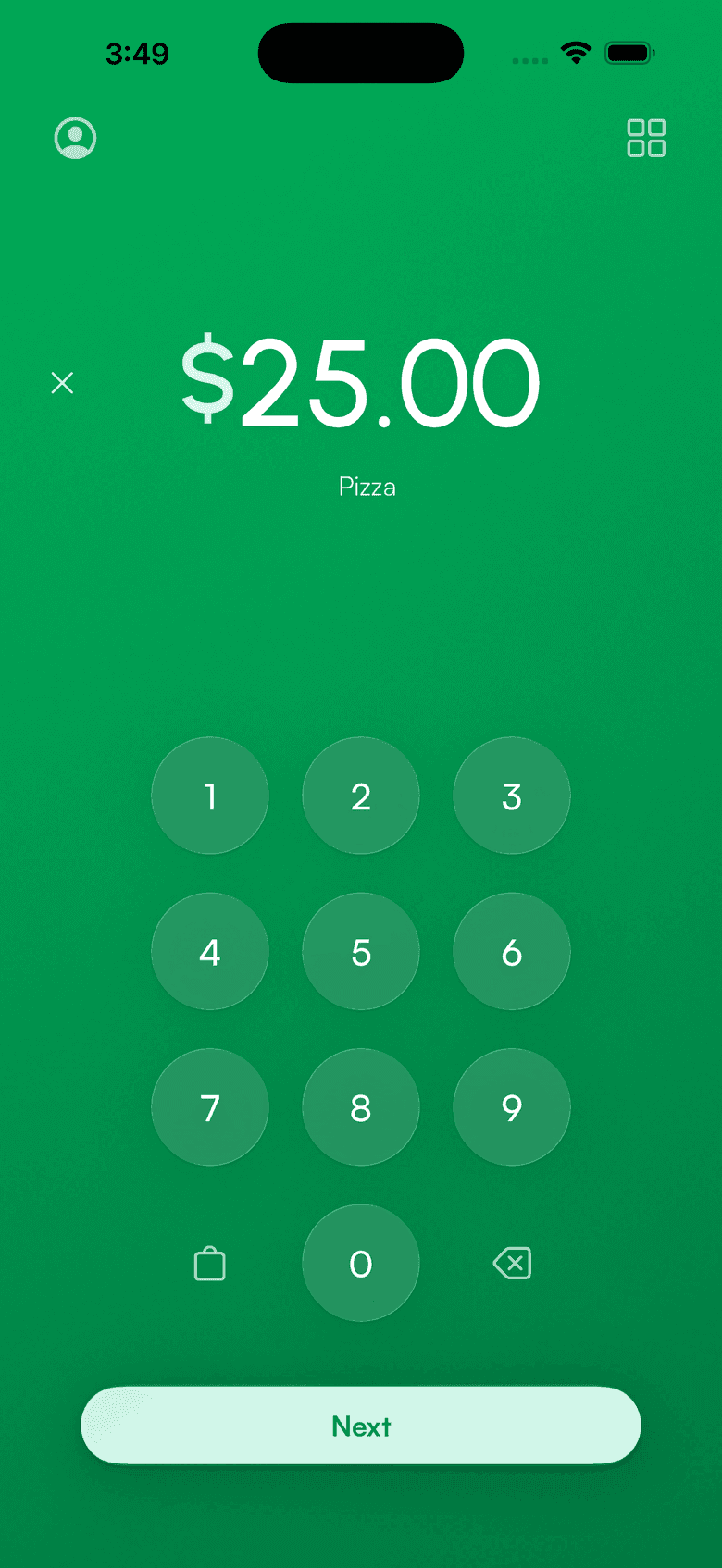
Squarespace's app takes Tap to Pay, but it has no Stripe card reader. If your Squarespace store is connected to your own Stripe account, Payment for Stripe runs Stripe card readers and Tap to Pay on that same account.
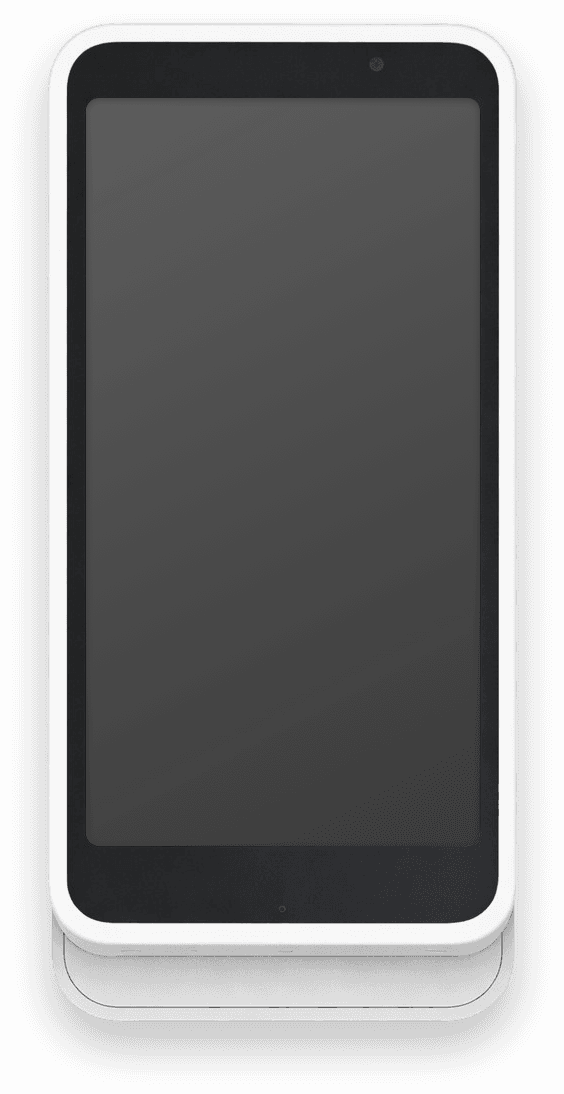
Card readers
Readers that work with your Stripe account
Pair a reader in the app, or skip the hardware and take cards on your phone.
Stripe Reader M2
Pocket Bluetooth reader for chip, tap and swipe.
BBPOS WisePad 3
Bluetooth reader for chip and tap.
BBPOS WisePOS E
Countertop smart reader with its own screen.
Stripe Reader S700 / S710
Handheld smart reader with a large touchscreen.
Stripe Reader T600
8-inch countertop smart reader.
Tap to Pay
No reader: take contactless cards on iPhone or Android.
Squarespace POS vs Payment for Stripe
For a Squarespace store connected to your own Stripe account (not Squarespace Payments). Squarespace details from its help center, checked October 2026.
Set up in three steps
Download the app
Payment for Stripe is free on iPhone, iPad and Android.
Sign in with your store's Stripe account
Use the same Stripe account your Squarespace store is connected to. In-person and online payments land in one Stripe balance.
Pair a reader or use Tap to Pay
Connect a Stripe card reader over Bluetooth or Wi-Fi, or take contactless cards on your phone.
Tell us
Do you sell in person with Squarespace's app today?
Squarespace and Stripe questions
Can I use a Stripe card reader with Squarespace?
Does Squarespace POS work with Stripe?
Does this work with Squarespace Payments?
What if Stripe asks me to create a new account?
Do in-person sales update my Squarespace inventory?
Which card readers work?
What does it cost?
Accept payments
in 60 seconds
Download the app, connect your Stripe account, and you're ready to accept your first payment. No hardware, no setup fees, no monthly costs.